STEP BY STEP GUIDE
Master storytelling, capture cinematic videos, and stand out with your iPhone content.
Learn iPhone filmmaking from start to finish. Designed to help solo creators make professional-level videos.
"But I only have an old iPhone 12"
Is what my friend, Ohene, said to me when he swore his iPhone 12 wasn’t good enough.
But once he implemented the lessons from iPhone Cinematics - he couldn't believe how good his iPhone videos looked.
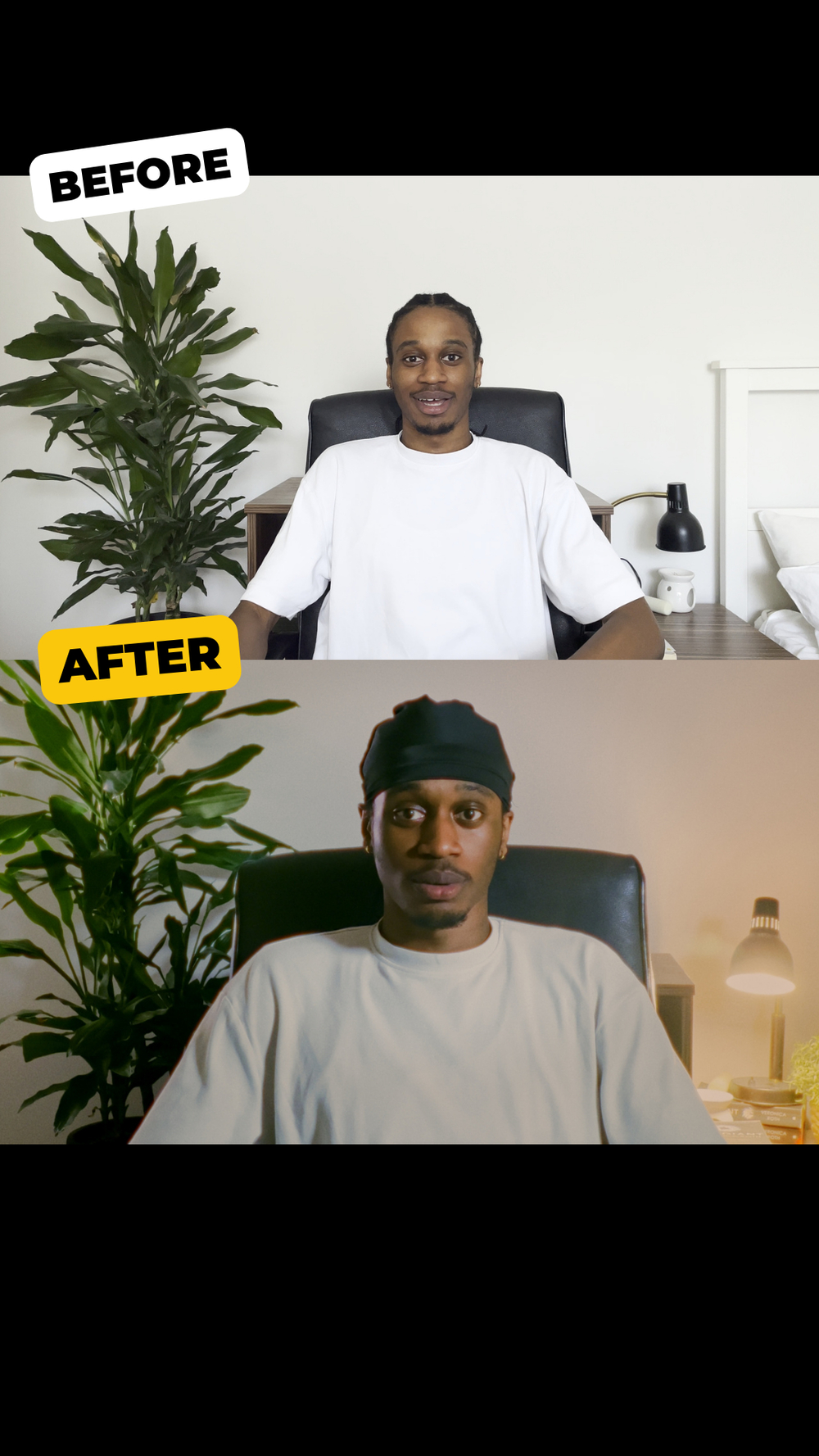
Same phone.
Completely different result.
His footage went from flat to film-look.
You don’t need a new iPhone; you just need the right knowledge and a clear workflow.
Stop overthinking gear, overcomplicating shots, and underestimating your iPhone.
Learn to shoot, edit, and grade cinematic iPhone content that people actually watch.
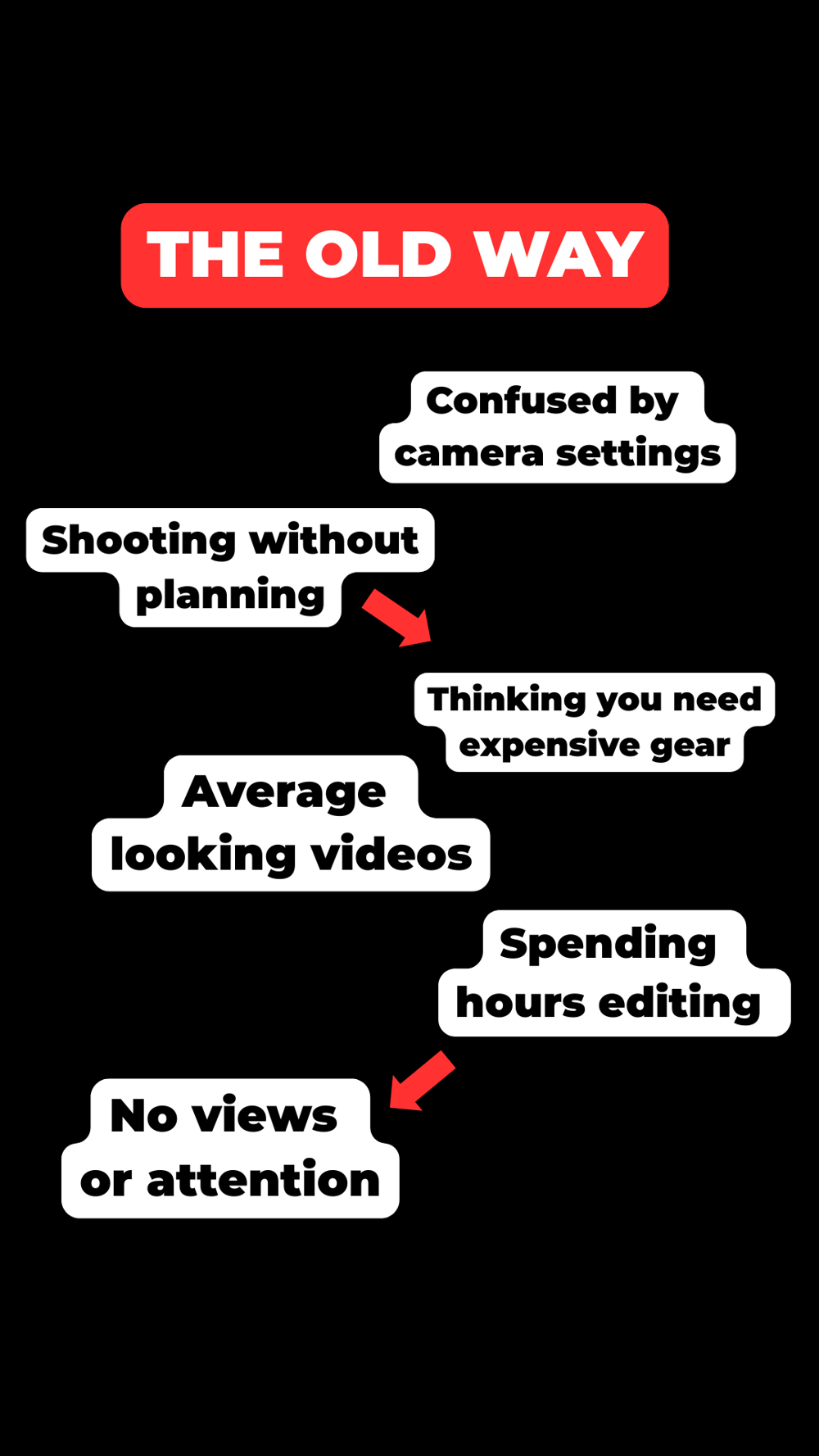
I Couldn’t Afford The Camera Either
One year ago, I couldn’t afford an expensive camera but still wanted to create cinematic content.
But every video I made looked flat and boring
For a while, I thought
"Maybe cinematic content really isn't possible with an iPhone?"
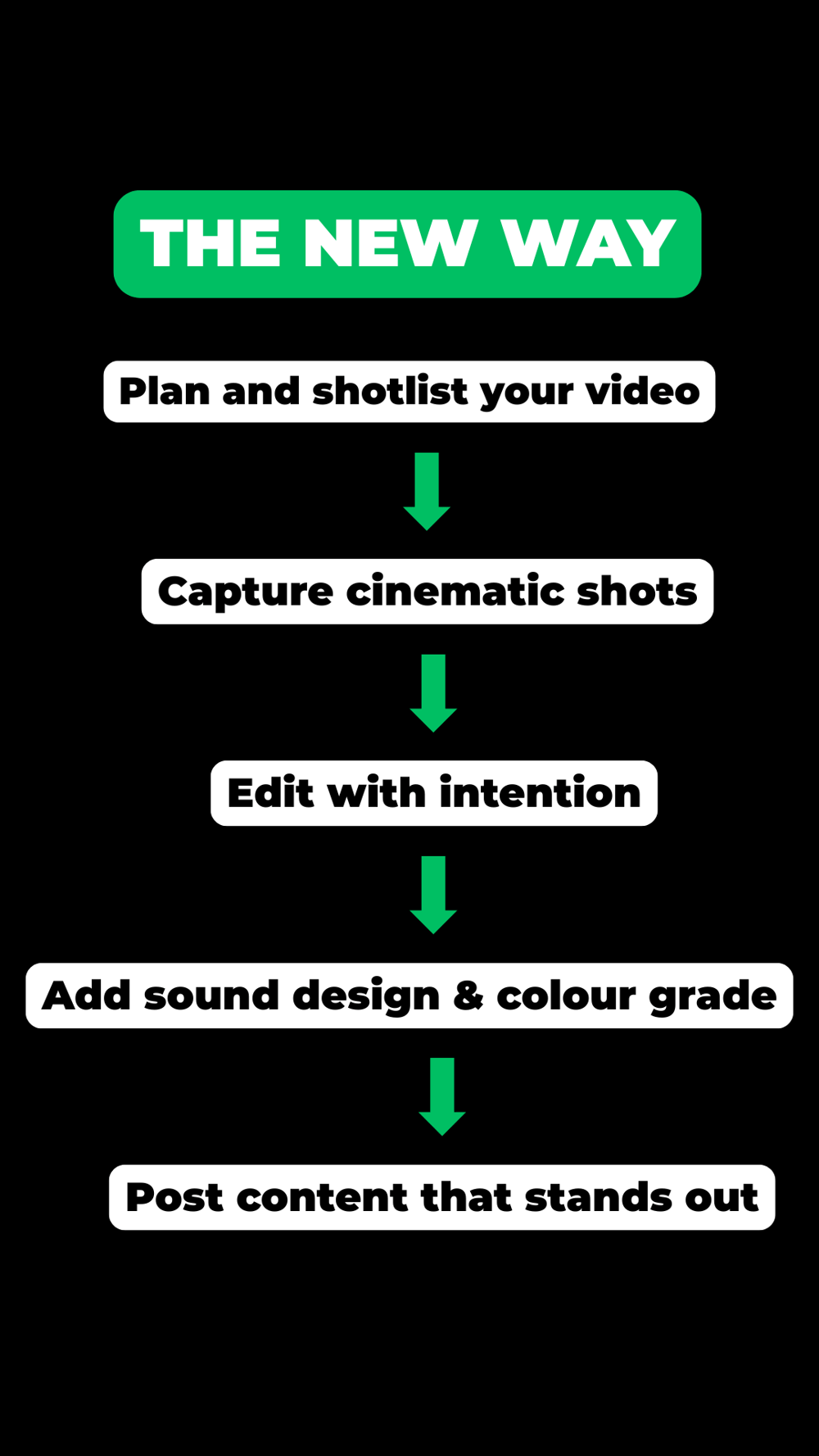
But once I dialled in my filmmaking system and focused on framing, pacing, and flow, everything changed practically overnight.
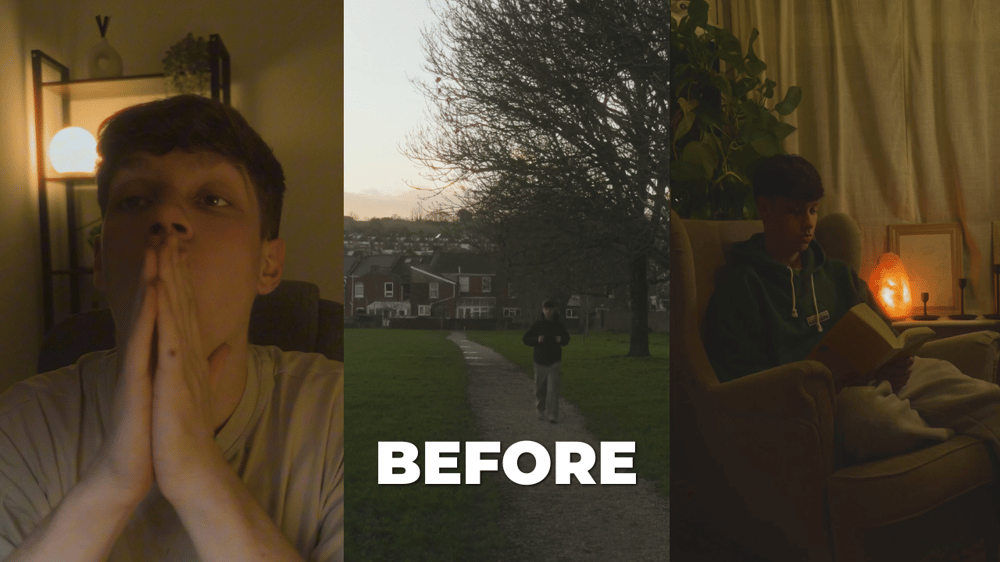
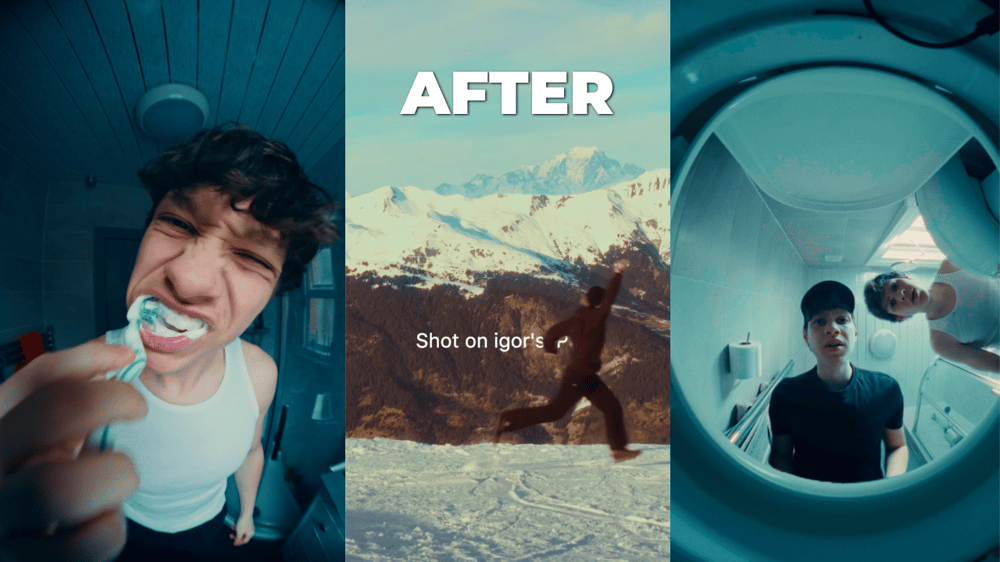
I went from Flat & Boring
to Cinematic & Vibrant videos
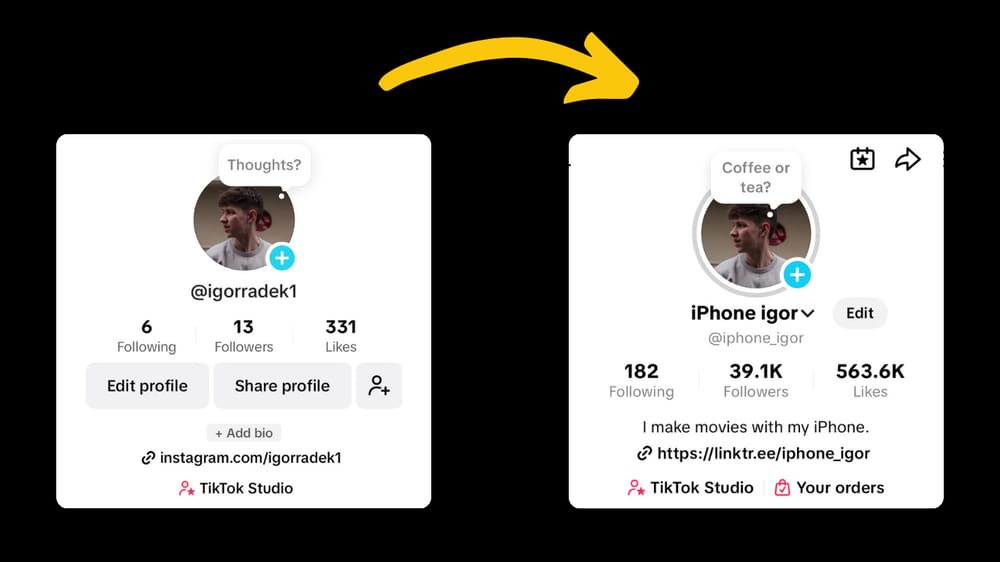
And From 13 to 39K Followers
With Only 6 Videos
Here's What You're Going To Learn:
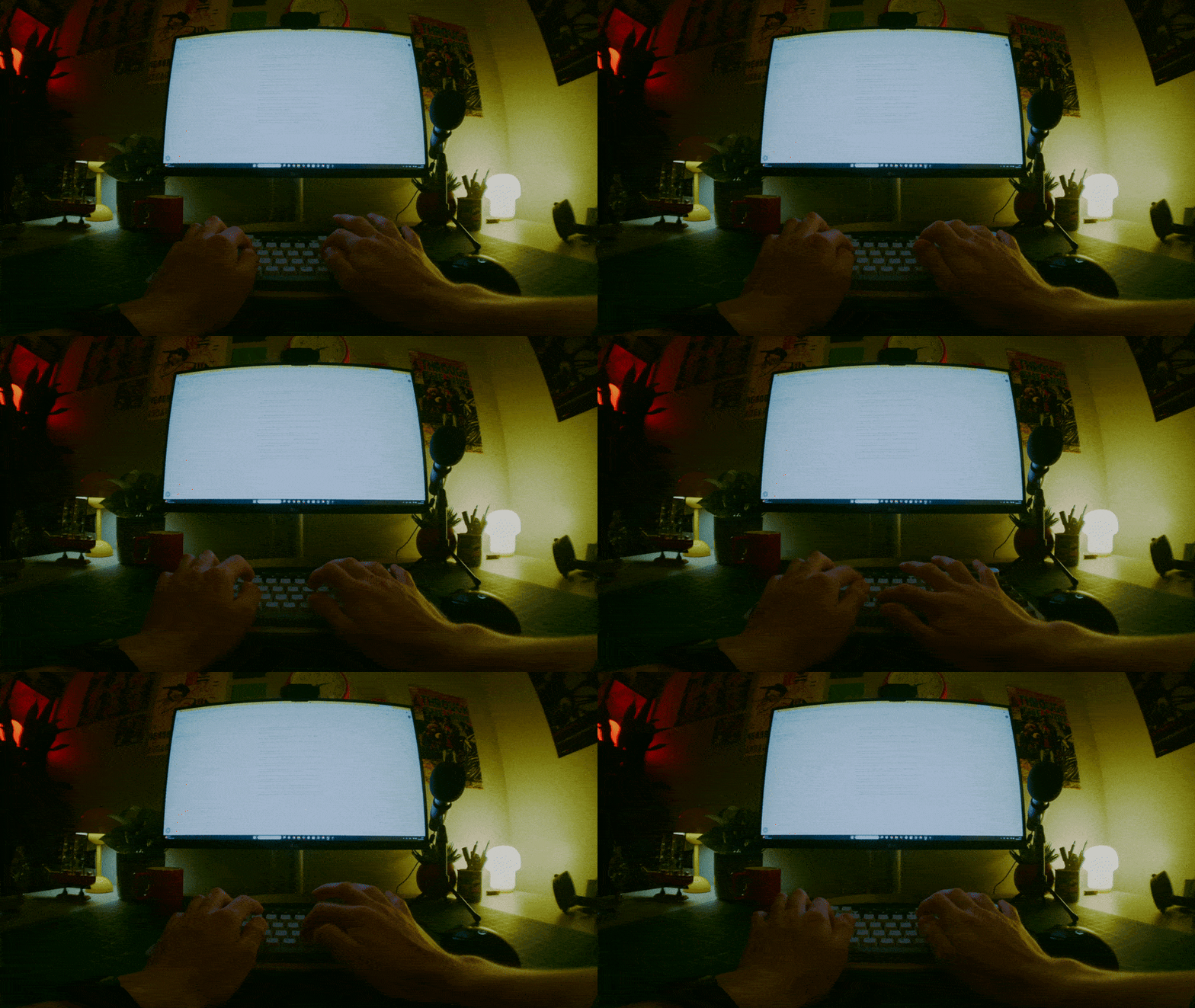
Module 1: Planning Your Video
Successful Video Script Framework
How To Write Video Scripts
How To Shotlist Videos
Where to Find Unique Shots
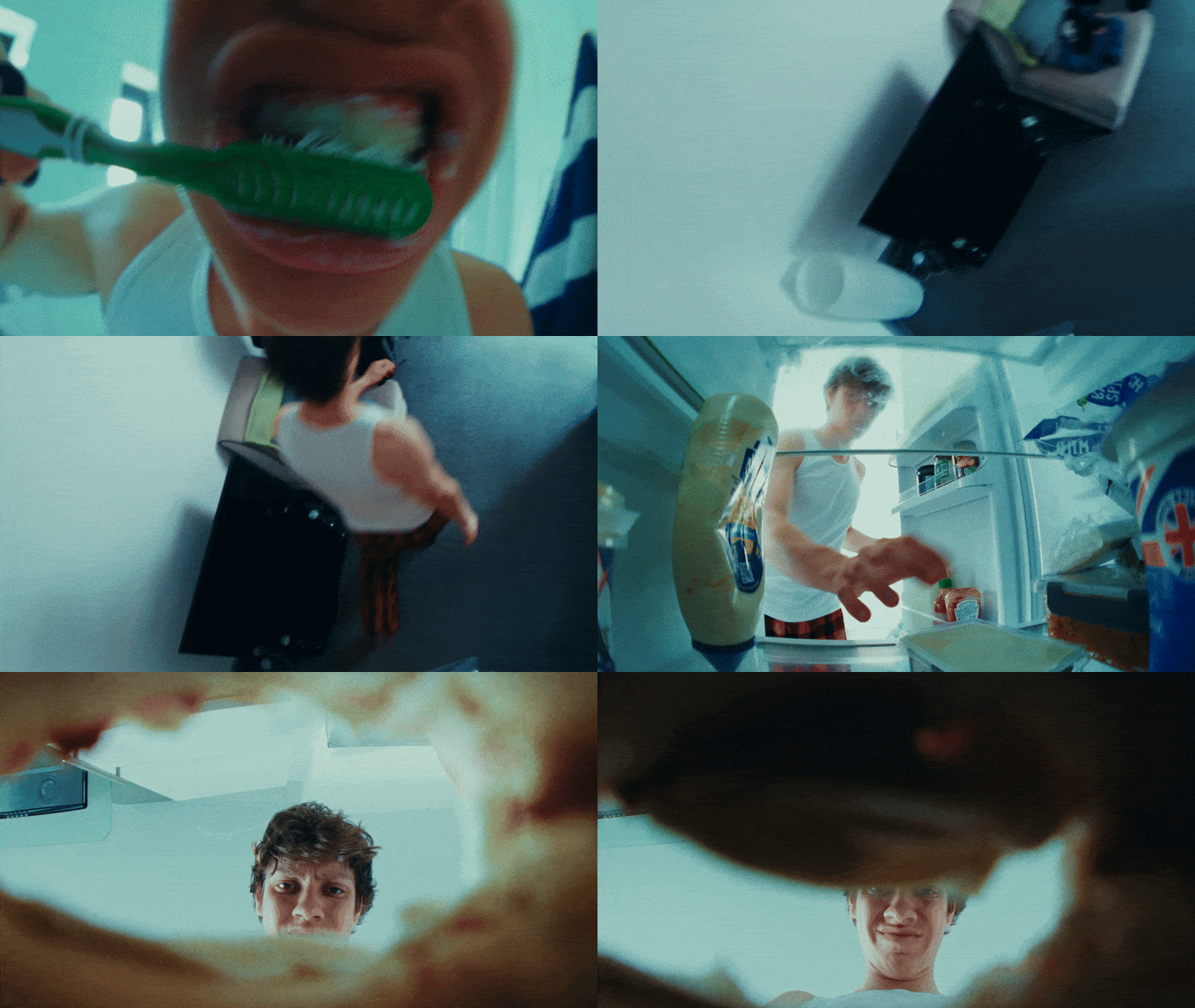
Module 2: Shooting on iPhone
Shooting Equipment
5 Second Trick for Better Quality Video
Black Magic Camera App Basics
Lighting Mastery
Camera Shots & Angles
Cinematic Composition
LIVE DEMO: Eye Close-Up Shot
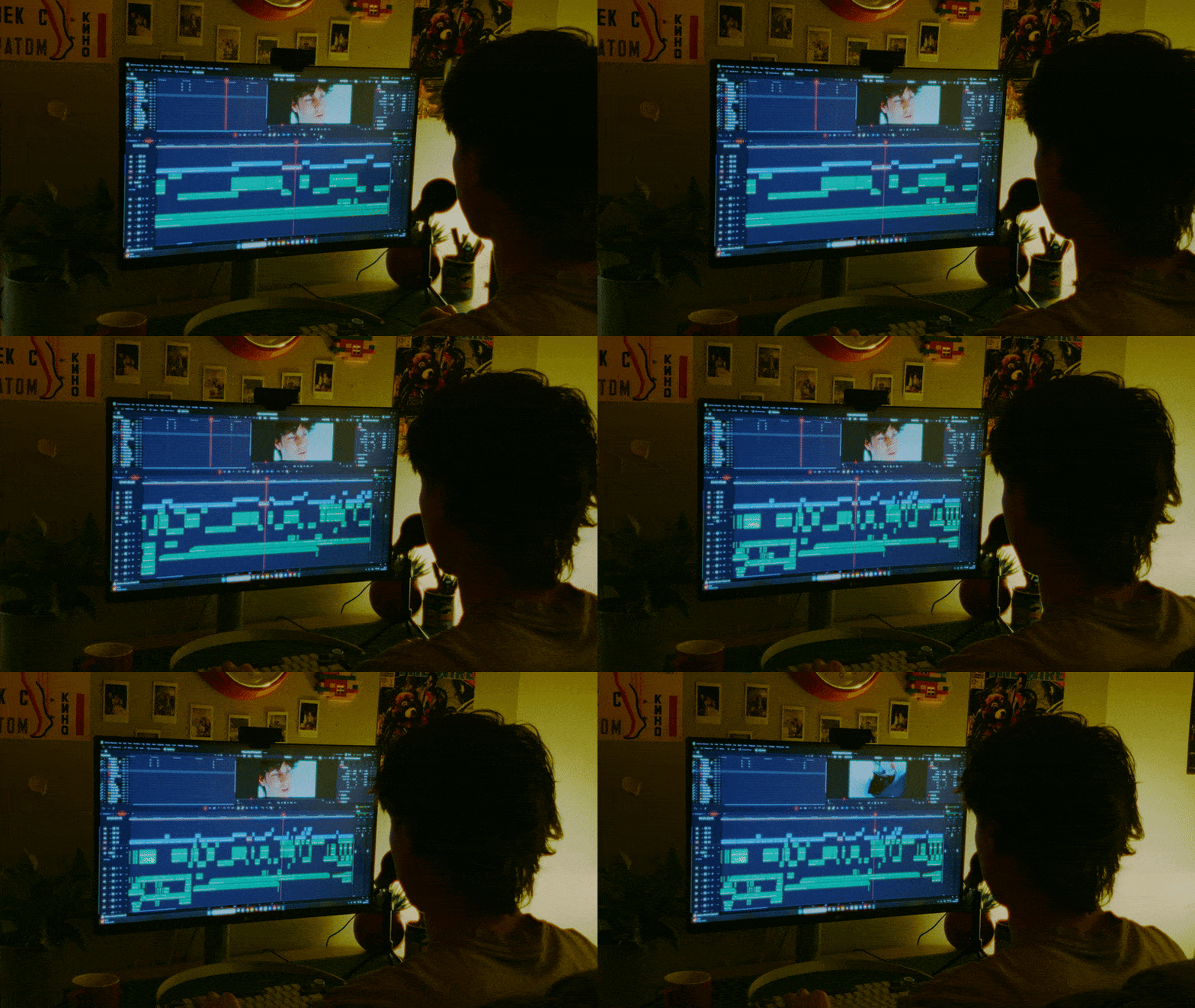
Module 3: Video Editing Workflow
My Video Editing Workflow
Recording the Voiceover
Matching your Visuals to the Song & Voiceover
4 Main Sound Effects
Apply Sound Effects
Website to Find Sound Effects
Adding captions
Exporting Your Video
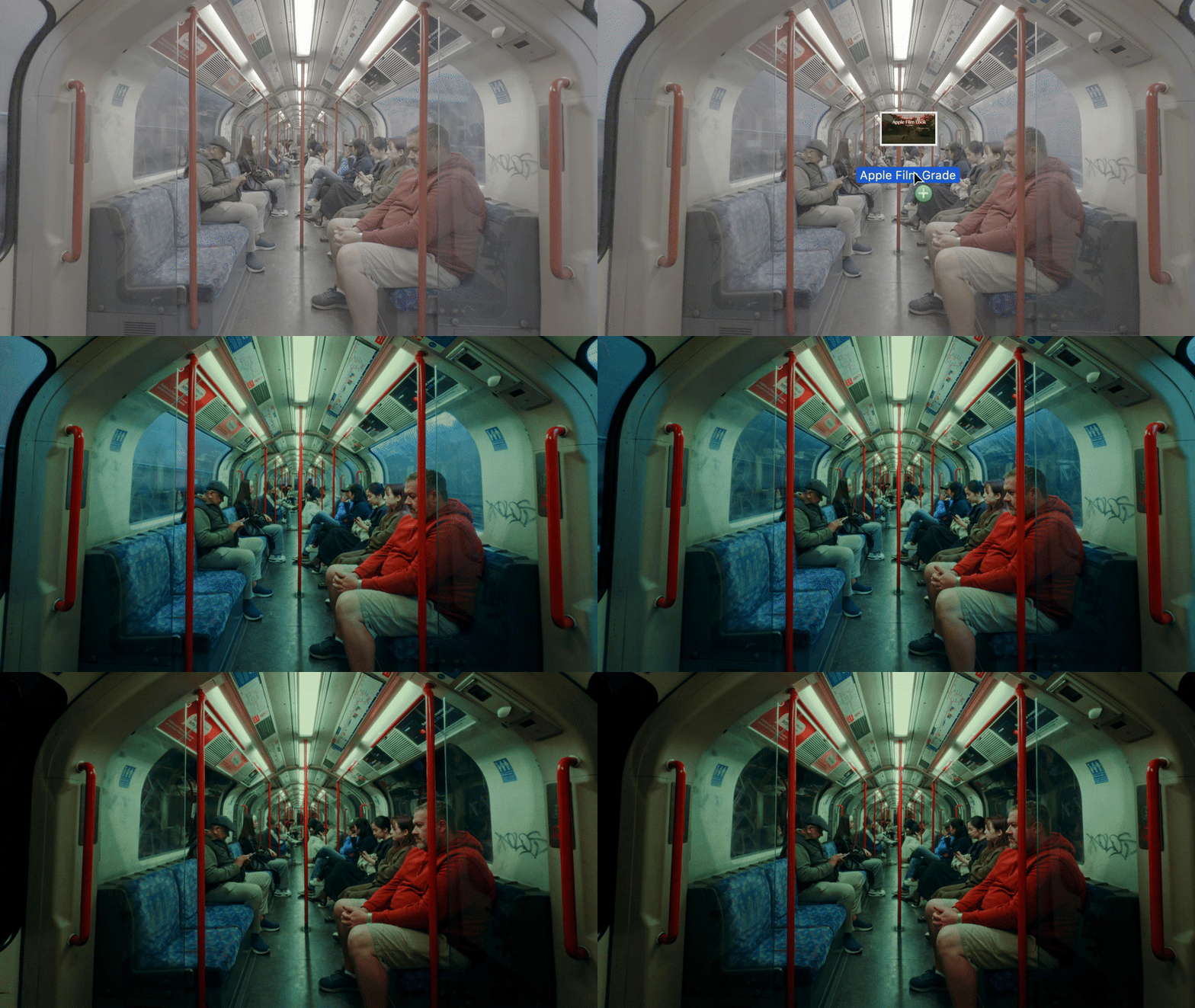
BONUS Module: Apple Film Grade
How to import Powergrade
Colour grading Apple Log video
Colour grading regular iPhone video
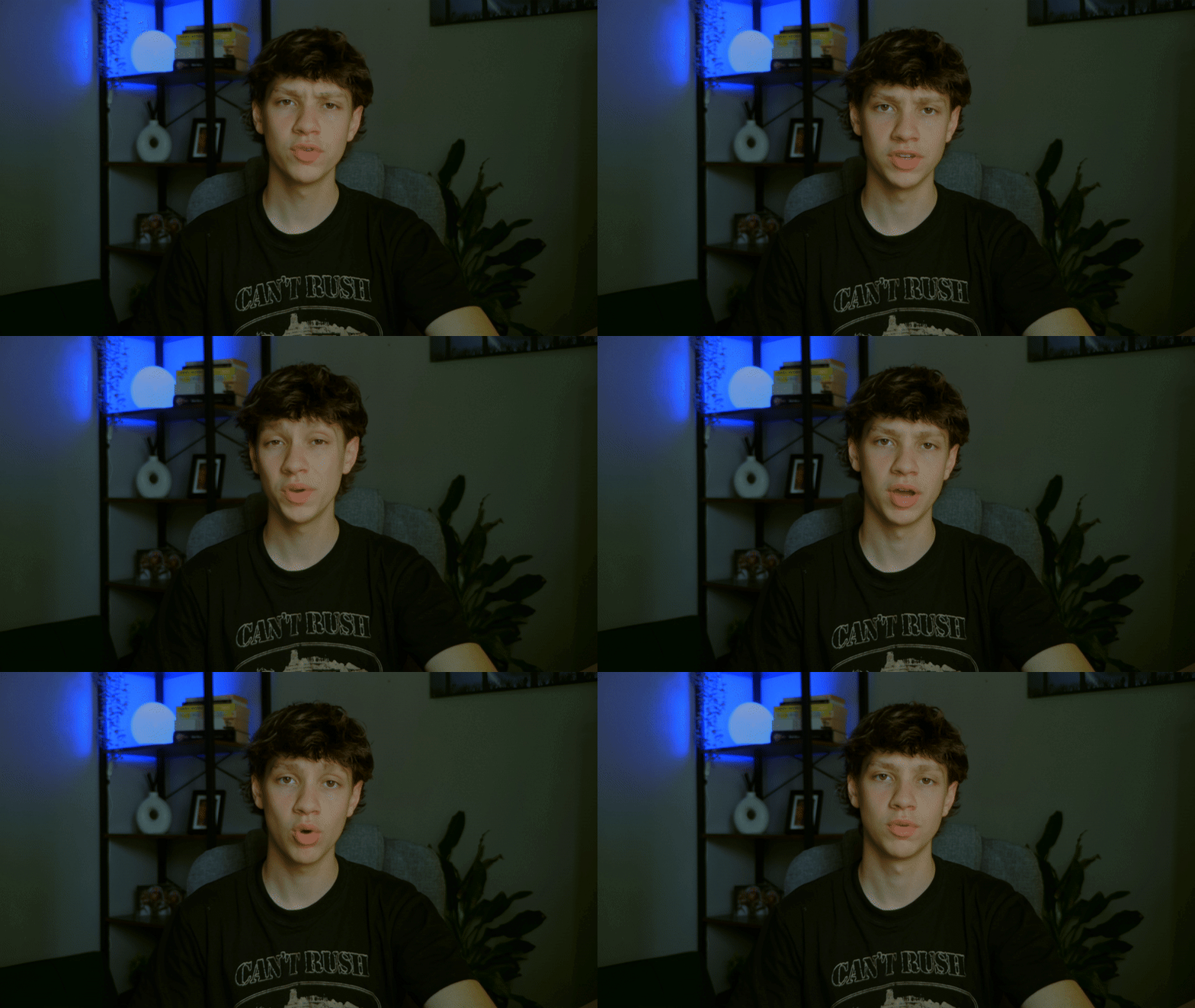
BONUS Module: Storytelling Mastery
My Storytelling Fundementals
How to Develop Your Filmmaking Taste
How to Find Inspiration
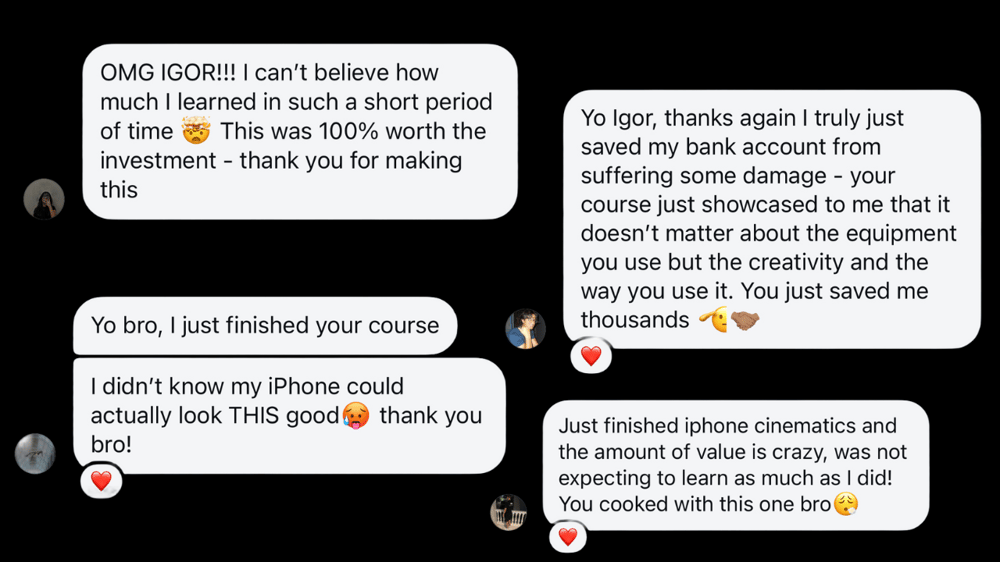
What My Students Say:
Start Learning Today
Limited Spots Available
FAQ'S
Any iPhone model will work!
I’ve tested everything on my 4-year-old iPhone to make sure that the techniques inside of this program work for everyone.
No matter what model you use, you will see improvement in quality after this program.
Nope. You don’t need any experience or fancy gear.
If you’ve got a phone with a camera, you’re good to go.
This course is built for beginners and shows you how to shoot and edit cinematic videos from scratch.
YouTube has tons of free content but that’s kind of the problem. You end up bouncing between videos, getting distracted, finding half-answers, and wasting hours trying to piece it all together.
This course gives you a clear, proven and focused path so you can actually learn fast, stay on track, and start making videos you're proud of, without the overwhelm.
If it’s not for you, no worries. We’ve got a 7-day money-back guarantee.
Try it out, and if you don't find it valuable you’ll get a full refund. No questions asked.
If you ever need help or have questions, you can send me an email or DM me on Instagram - I’ll always do my best to respond and help you out.